Looks with a point of view
Film, portrait, landscape, monochrome and experimental filters are named and grouped so the right mood is easy to find.
Explore 60 named looks, tune every detail, and carry a consistent style from one image to an entire collection—while your originals stay untouched.
Compare named filters by category, then adjust intensity, exposure, contrast, warmth and grain. Every screenshot is shown at its native 16:9 aspect ratio without cropping.
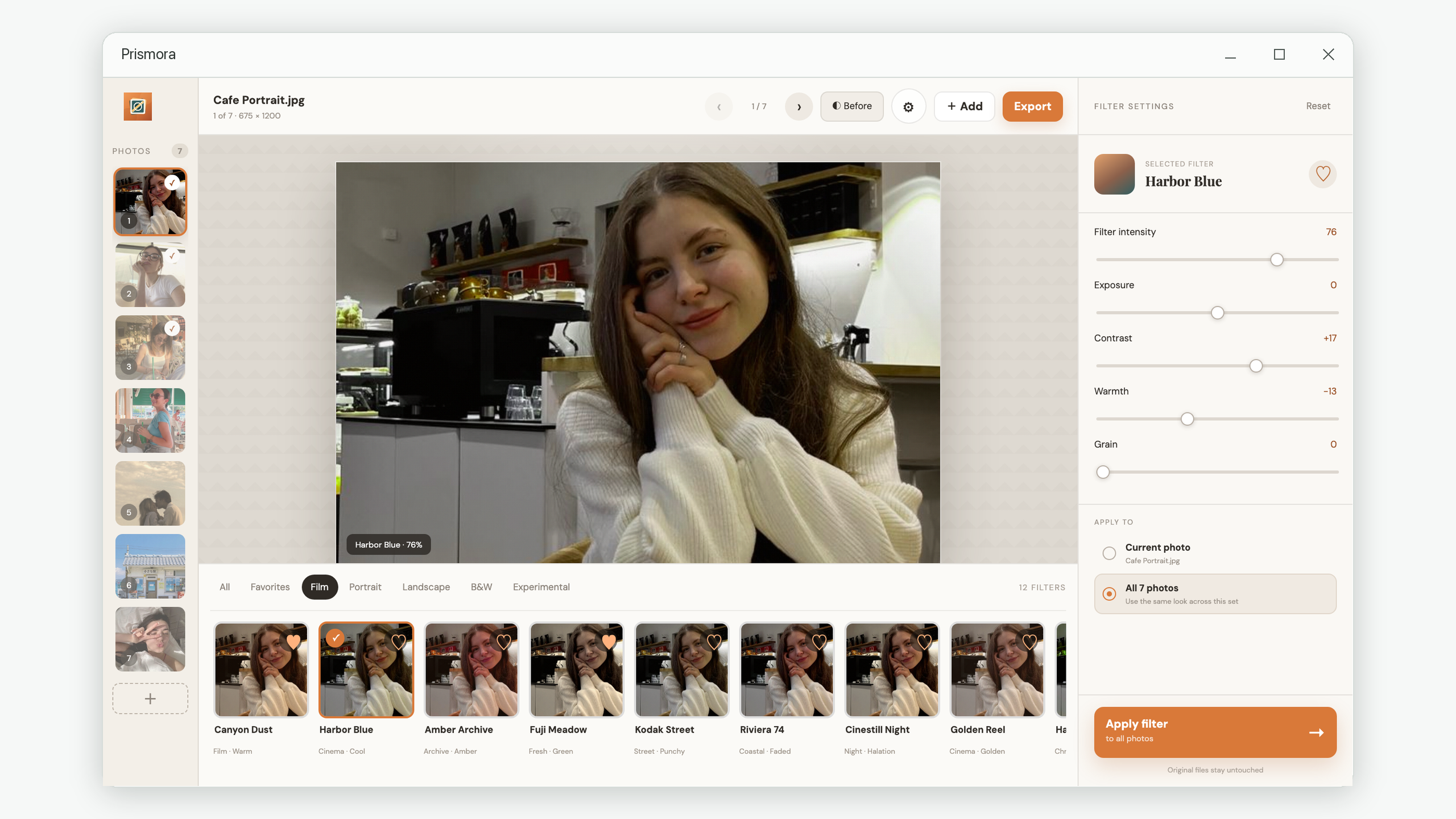
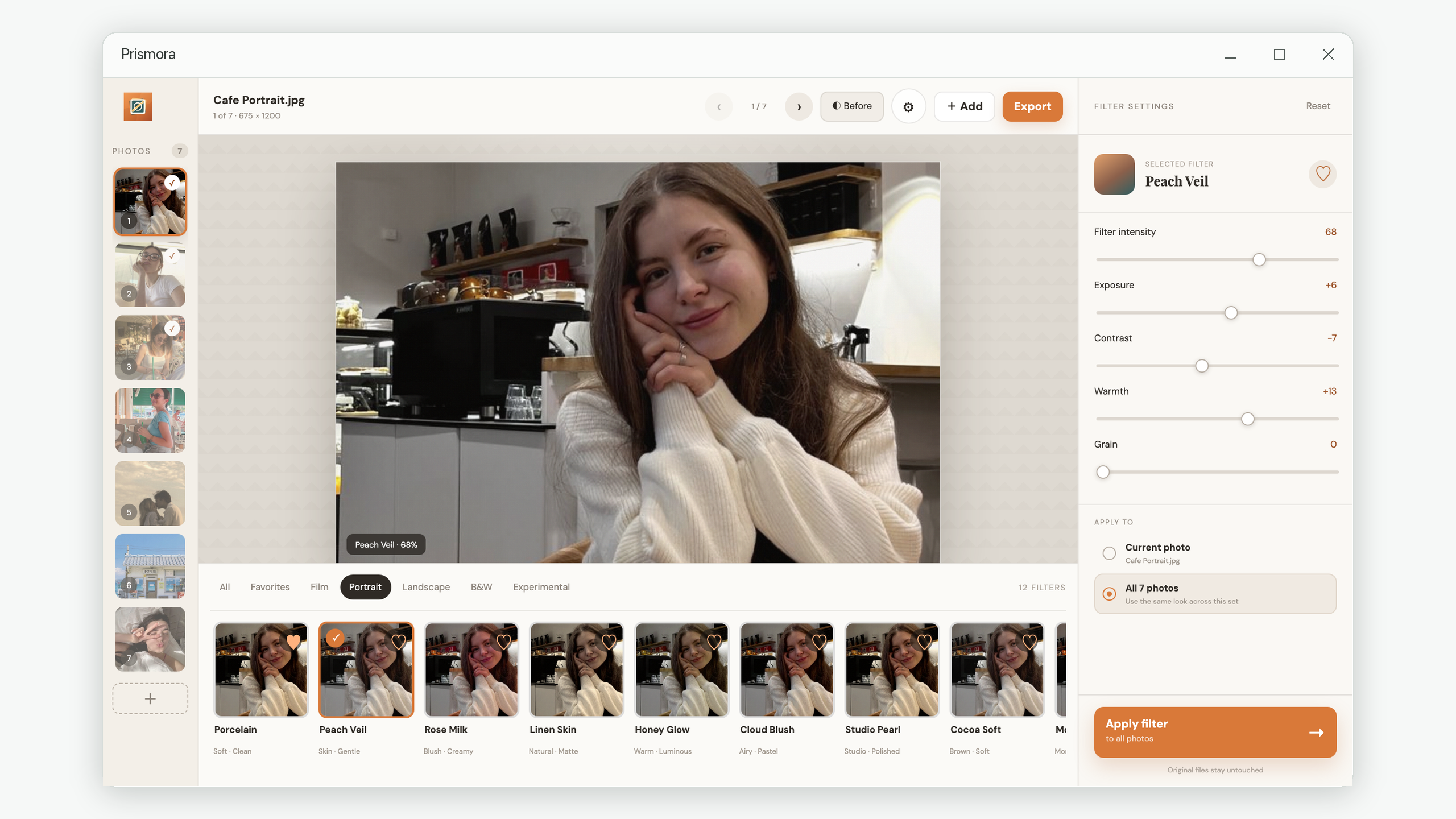
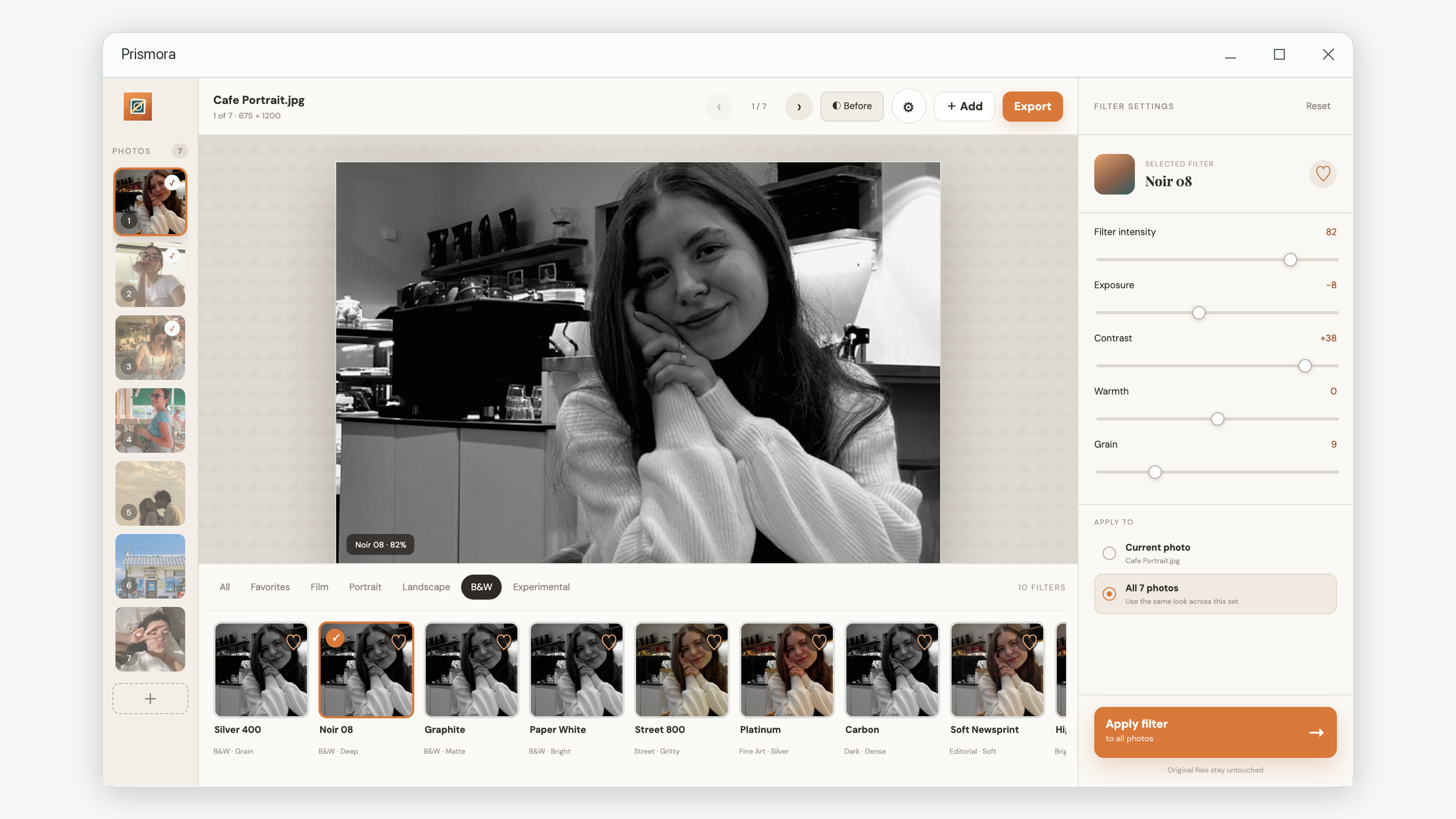
Film, portrait, landscape, monochrome and experimental filters are named and grouped so the right mood is easy to find.
Add files or folders as you work. Prismora skips duplicates and loads previews only when you need to see them.
Apply edits across the set and export images one by one with visible progress. Your photos remain on your device.
Field-tested methods for choosing filters, correcting inconsistent results and building a photo series that feels intentional.
A repeatable batch workflow that creates consistency while protecting each image’s exposure and skin tones.
Read the guide →WHY · TROUBLESHOOTINGUnderstand white balance, exposure and scene contrast before blaming the preset.
Diagnose the problem →HOW TO · WORKFLOWBuild a visual rule set that survives changing locations, light and subjects.
Follow the workflow →TUTORIAL · FILTER CHOICEA decision framework based on the job the filter needs to do—not the trendiest preview.
Choose with confidence →